
ID: kz.app.MyMapNote
Version: 4.0
File Size: 2.7Mb
World Maps Note (GPS,Navi,etc) Screenshots
World Maps Note (GPS,Navi,etc) Description
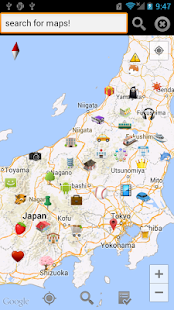
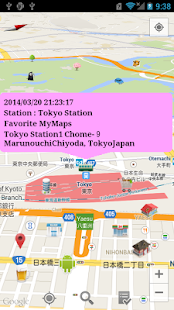
You can create your favorite maps with a simple operation.You can use many Icons(Categories)/Memo/MyMaps to create a [Place] on maps.
You can search for [Place] with Address/Icon(Category)/Memo/MyMaps.
You can show only favorite [Place] by search.
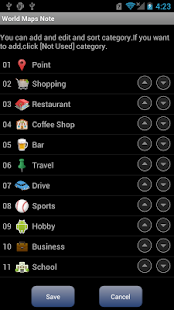
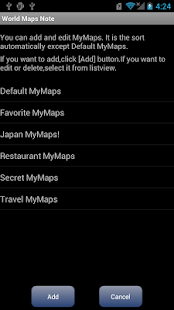
You can add or edit Category/MyMaps.
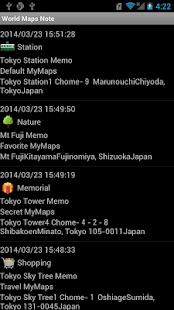
You can show list of [Place],and search for list.
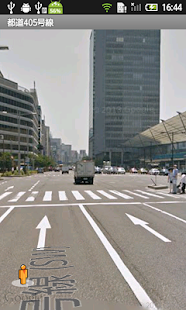
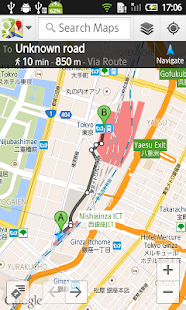
You can launch [Google Street View] , [Google Navigation/Directions].
Maps data is same of [Google Maps].
You can search for maps with address.
You can show now location by GPS/Wi-fi.
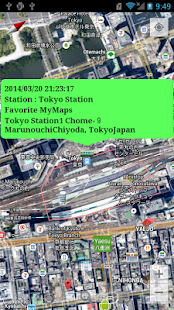
You can show [Satellite Maps] , [Terrain Maps] , [Traffic Information].
You can do Backup and Restore all data,this is useful in the case of model change.
NOTE : part of feature needs plugin app.
----------- Easy Guide -----------
At first,long click on maps,try to add [Place].
If you want to search for point on maps,click icon of seach in maps or select [Search Maps] from menu.
If you want to display specific [Place] on maps,select [Search Place] from menu.
If you want to show all [Place],click icon of list in maps or select [Place List] from menu.
If you want to launch [Google Street View] or [Google Navigation/Directions],long click on maps or click marker on maps.
----------- [Backup/Restore/Migration/Model Change] Guide -----------
1.If you want to restore or migrate data,select [Backup/Restore Data] from menu.
2.According to the screen, do backup.
3.Backup file is in [/KZapp/MyMapNote/plugin/backup].you copy all files.
4.Download this app and plugin app in new phone.
5.Copy all backup files to folder of [/KZapp/MyMapNote/plugin/backup] in new phone.
6.Select [Backup/Restore Data] from menu,click backup file and restore data.
----------- About Permission -----------
Require internet permission,for maps data.
Require location(GPS/Wi-fi) permission,for now location.
Require Google Apl permission,for Google Maps.
NOTE : If app doesn't work(not view,not get address,occurred error,etc),please update Google Maps and Google Street View,and reboot mobile.
What's new in World Maps Note (GPS,Navi,etc) 4.0
NOTE : If app doesn't work(not view,not get address,occurred error,etc),please update Google Maps and Google Street View,and reboot mobile.- Version 4.0
fix problem that app can't show menu in some models.
other bug fix.
this is stable version.
please update.